
Grammarly Student Walkthrough
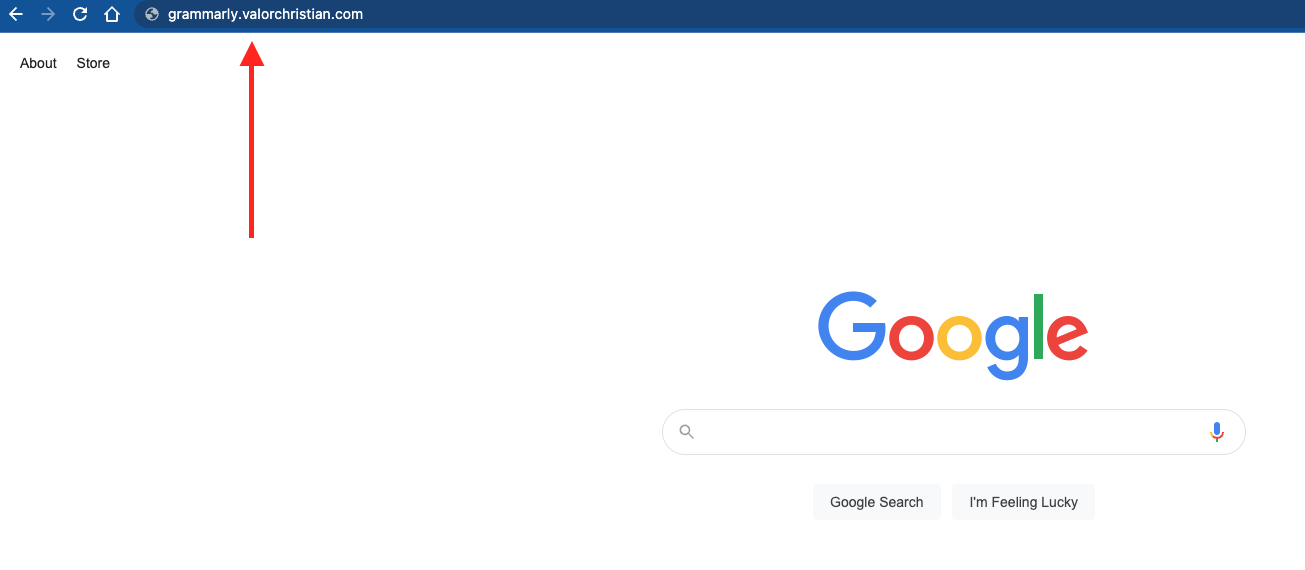
- Go to grammarly.valorchristian.com (note: if logged into Google Chrome with your Valor account, you should be automatically logged in. Skip to Step 4).
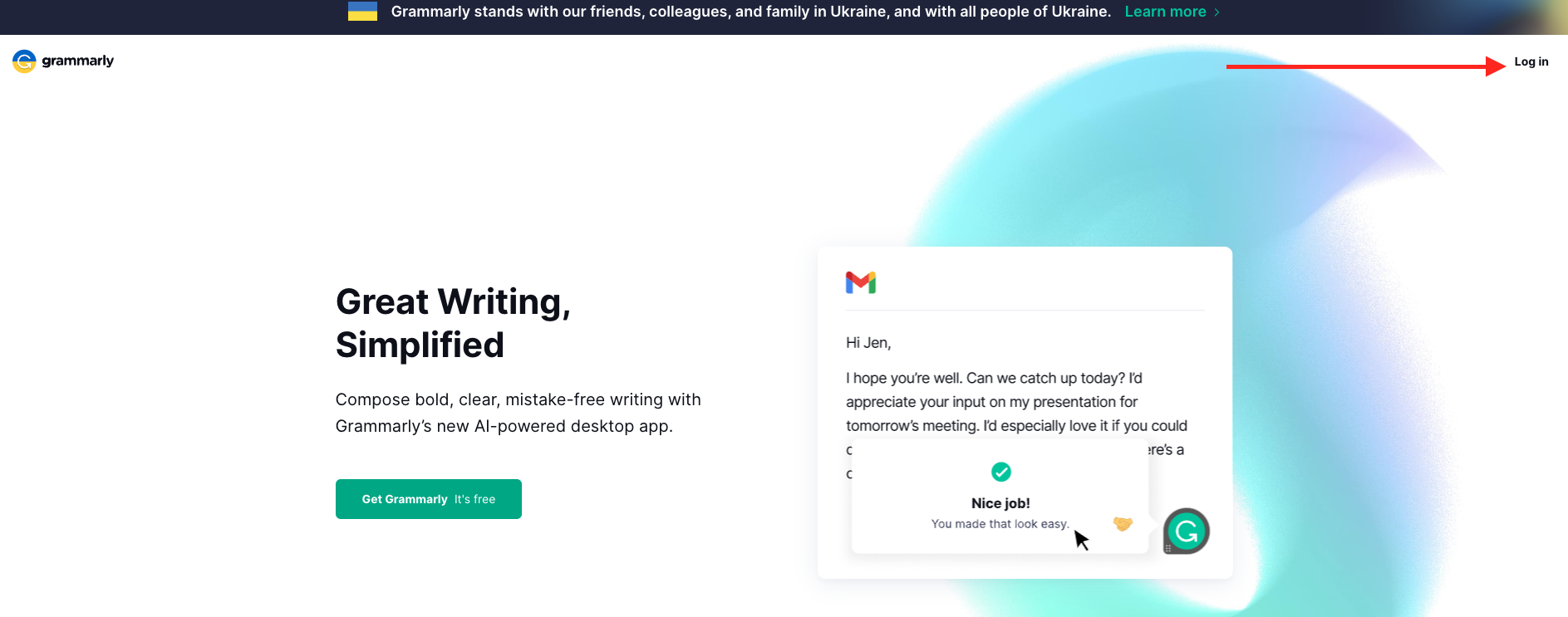
- Click on the Log in button
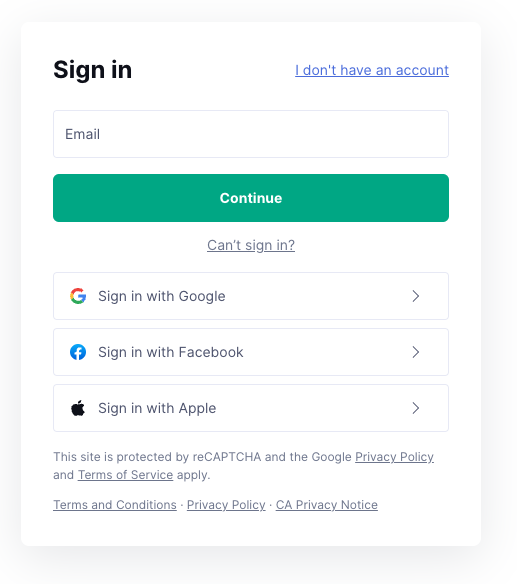
- Click Sign in with Google (note: Chrome web browser must be signed into Valor Google account) or enter Valor email (lastname@govalor.com)
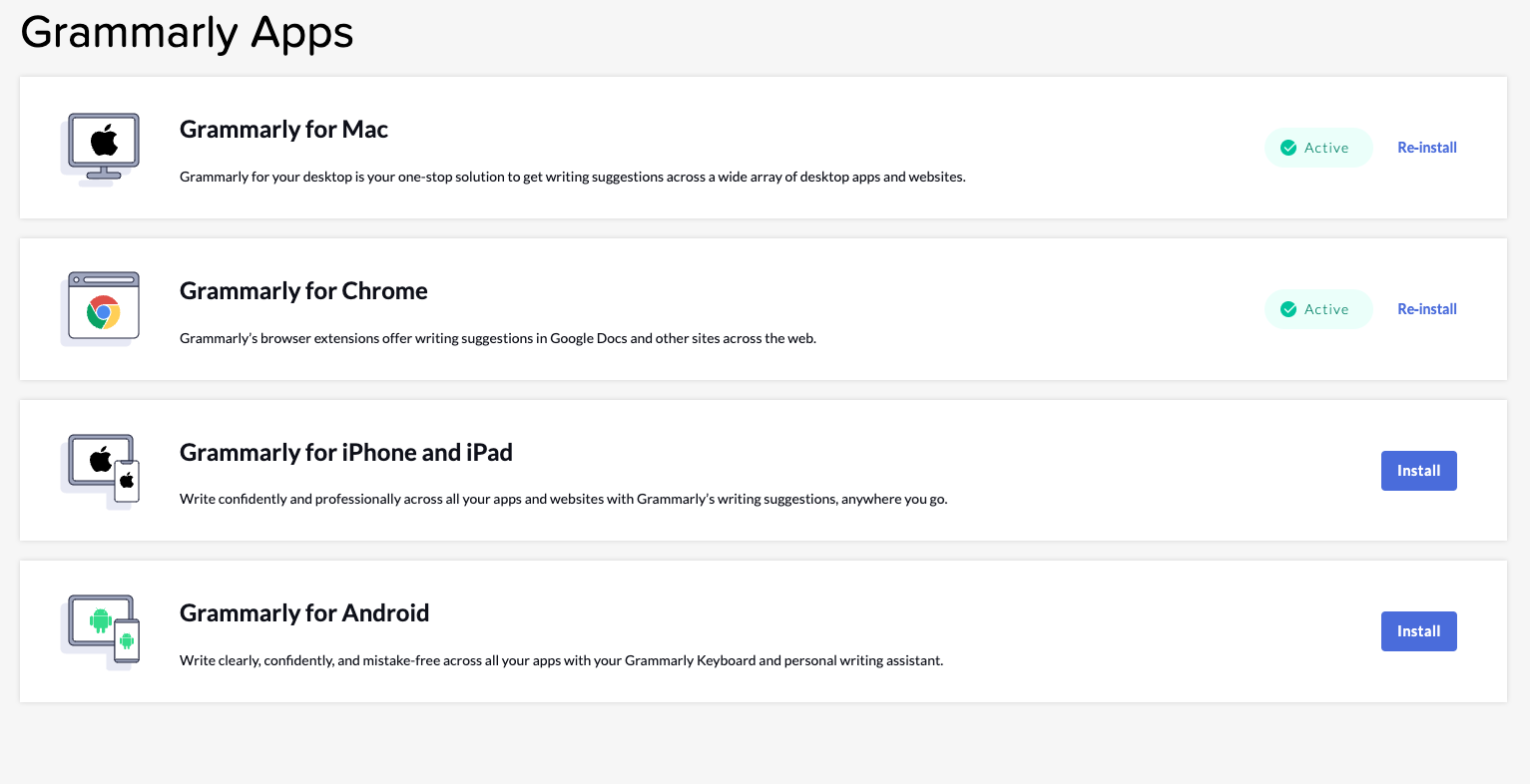
- Click on the Apps tab
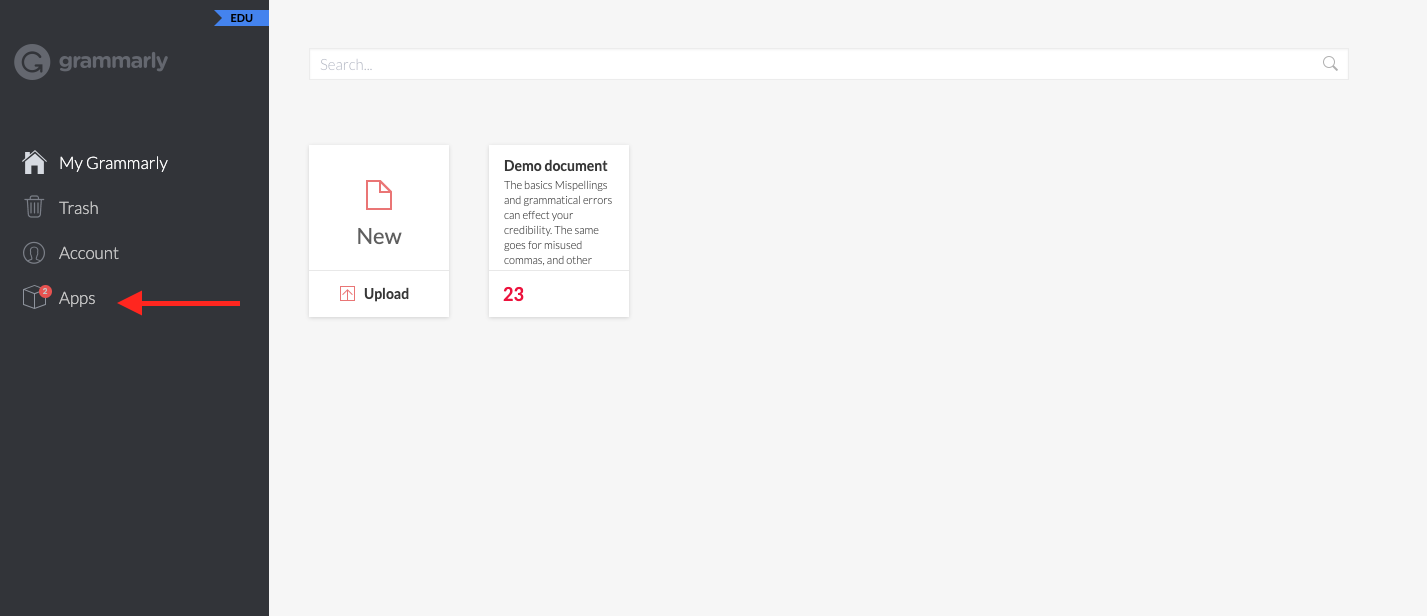
- Download and install the app for the specific device
Comments
0 comments
Please sign in to leave a comment.